ACP
Use CodeWork as the agent inside your editor. The CLI speaks the Agent Client Protocol, so Zed and any other ACP client can drive it.
Overview
The Agent Client Protocol (ACP) is an open standard for connecting coding agents to editors. The editor owns the interface: the chat panel, the file picker, the diff view. The agent owns the work: models, tools, and sessions.
codework acp turns the CLI into an ACP server. Your editor launches it as a child process and talks to it over stdio. You get the same agent, models, plugins, and session history you have in the terminal, inside the editor you already use.
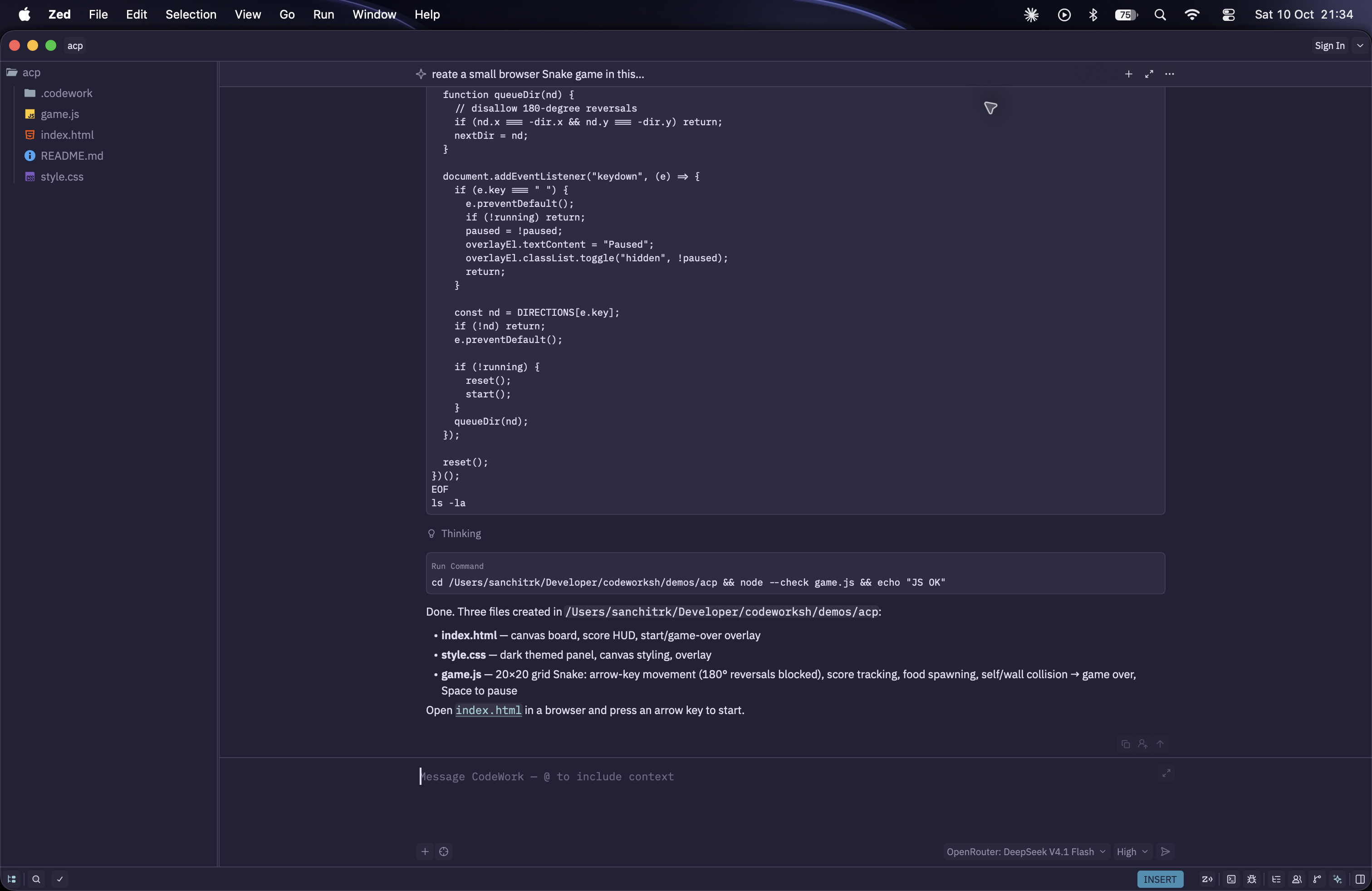
Start the ACP Server
codework acpYou don’t normally run this yourself. You tell your editor to run it, as in the Zed setup below. It accepts the global flags --home, --database, and --user-config-dir.
Transport and Message Format
- Transport: stdio. The editor writes requests to CodeWork’s stdin and reads responses and notifications from its stdout.
- Messages: JSON-RPC 2.0, one message per line (newline-delimited JSON).
- Protocol version: ACP v1.
- Logs: written to stderr, since stdout is reserved for the protocol.
Request Flow
initialize: CodeWork reports its name, version, and capabilities.session/new: CodeWork creates a session rooted at the editor’s project folder. That folder’s.codework/settings.jsoncapplies, as if you’d run the CLI from it.session/prompt: CodeWork streams its answer, reasoning, and tool calls back assession/updatenotifications, then returns a stop reason.session/cancel: interrupts the running prompt.session/listandsession/load: list past sessions for the folder and reopen one, replaying its full history.
When the editor closes the connection, CodeWork interrupts anything still running and stops any sandboxes it manages.
Authentication
ACP sessions use the credentials already in your CodeWork home. The editor can’t sign you in, so do it once from the terminal before connecting:
codework auth login --openai-codexOr pass an API key in the environment the editor launches CodeWork with, such as OPENROUTER_API_KEY or GEMINI_API_KEY. See Models & Pricing for every provider.
Sessions and Configuration
ACP sessions are regular CodeWork sessions, stored in the same database as the ones you start with codework run. Your editor’s history and the CLI see the same sessions.
Each session exposes two selectors the editor shows as pickers:
- Model: every model from the providers CodeWork has credentials for. The session’s current model stays listed even if its credentials are gone.
- Thinking Effort: the reasoning levels the current model supports. Hidden for models without reasoning.
New sessions start on the default model from your settings. CodeWork titles a session from its first prompt and tells the editor.
Permissions
CodeWork has no permission prompts. It runs every tool, including shell commands and file edits, without asking the editor first, and works on files directly rather than through the editor.
ACP sessions run locally in your project folder. Use codework run --sandbox-driver when you want isolation.
Prompt Content
| Content | Support |
|---|---|
| Text | Yes |
| Images | Yes, for models that accept images |
| Mentioned files, selections | Yes, sent as embedded context with the prompt |
| Resource links | Yes, passed to the model as a link |
| Other binary files | No |
If a plugin in your settings fails to load, CodeWork shows a warning in the conversation so you see it without digging through logs.
Zed
Zed has built-in ACP support. Register CodeWork once and it shows up next to Zed’s own agent in the Agent Panel.
1. Find the CodeWork Binary
Zed may not see your shell’s PATH when it’s opened from the Dock or Start menu. Get the absolute path to be safe:
which codeworkYou’ll get something like /Users/you/Library/pnpm/bin/codework. Use that wherever the config below says codework.
2. Add CodeWork as a Custom Agent
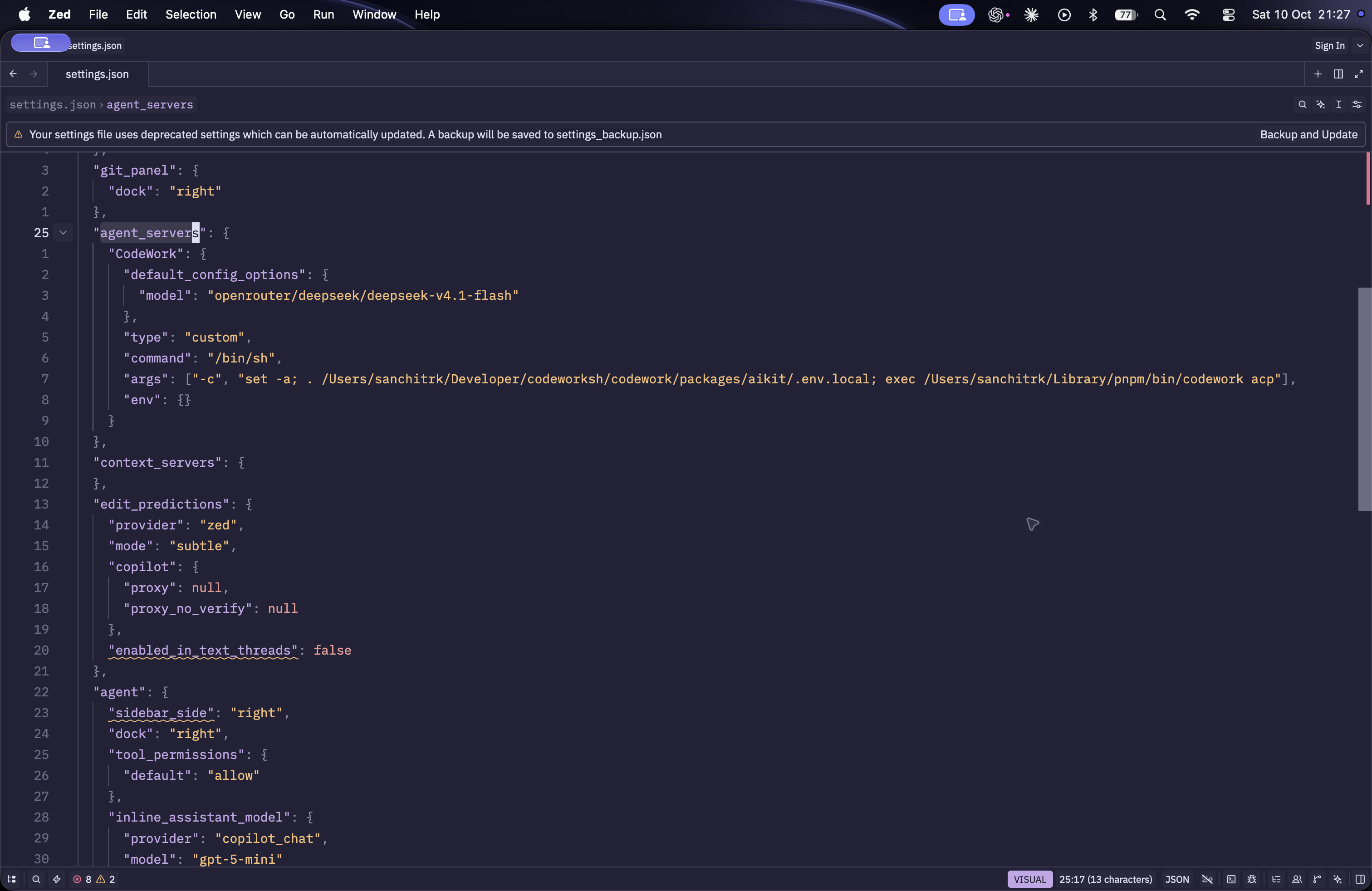
Open Agent Settings, go to External Agents, click Add Agent, and choose Add Custom Agent. Zed opens your settings file with a new agent_servers entry. Fill it in like this:
{
	"agent_servers": {
		"CodeWork": {
			"type": "custom",
			"command": "codework",
			"args": ["acp"],
			"env": {}
		}
	}
}commandis the CodeWork binary. Use the absolute path from step 1 ifcodeworkalone doesn’t work.argsmust includeacp. Add any global flags after it, such as["acp", "--home", "/Users/you/.codework-zed"].envis passed to CodeWork. Put an API key here if Zed wouldn’t otherwise see it, for example{ "OPENROUTER_API_KEY": "..." }. Then pick a model such as DeepSeek V4.1 Flash from the model picker.
3. Start a Thread
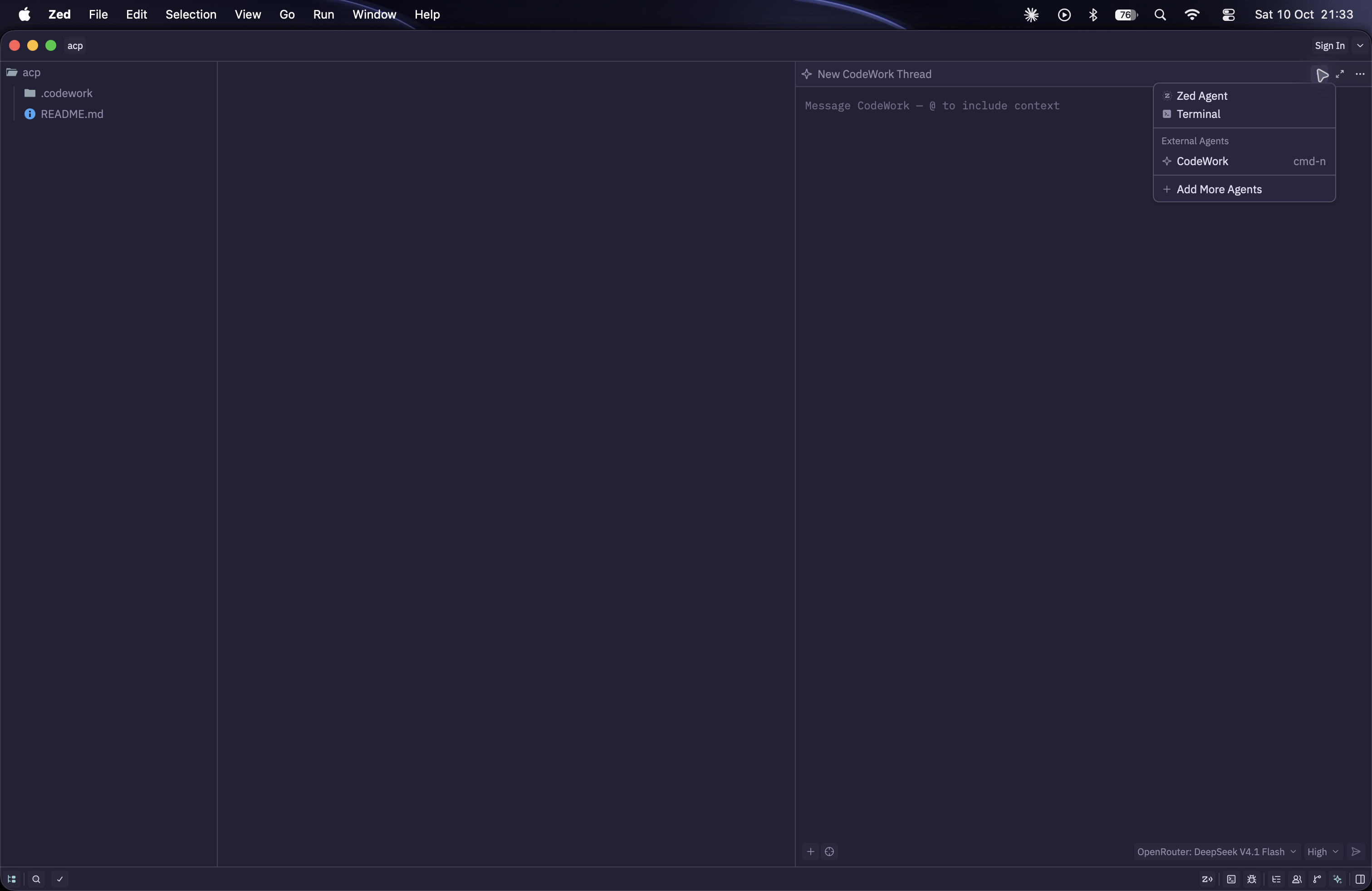
- Open a project folder in Zed. CodeWork works in this folder.
- Open the Agent Panel from the status bar or the command palette.
- Open the new-thread menu and choose CodeWork under External Agents.
- Type a prompt and press
enter.
You can bind a key to agent: new external agent thread to jump straight into a new thread.
Working in a Thread
- Add context: type
@to mention a file or symbol, or add a selection to the thread. Paste or drop images if your model accepts them. - Switch models and thinking effort: use the pickers at the bottom of the panel. Search the model picker by display name, such as “DeepSeek V4.1 Flash”, not by its
openrouter/...ID. Changes apply from the next prompt, and Zed remembers your choice asdefault_config_options.modelin the CodeWork entry of its settings. - Set a project default: to start every thread in a project on the same model, set
modelin that project’s.codework/settings.jsonc. - Stop a turn: click stop. The partial answer stays in the thread.
- Pick up where you left off: open the Threads Sidebar (
cmd-alt-jon macOS,ctrl-alt-jon Linux and Windows), open Thread History, click Import Threads, and select CodeWork. Opening an imported thread replays the full conversation.
Video: prompt CodeWork to fix a small bug, watch it read files and run tests, switch the model mid-thread, then reopen the thread from history.
Other Editors
Any editor that speaks ACP can run CodeWork with the same command, codework acp. See the list of ACP clients.
Troubleshooting
CodeWork doesn’t appear in the Agent Panel. Check that agent_servers is at the top level of your Zed settings and the JSON is valid.
The thread never starts. Zed couldn’t run the command. Use the absolute path from which codework, and make sure the node it runs with is version 24 or later.
The model picker is empty or missing a provider. CodeWork only lists providers it has credentials for. Run codework auth status --openai-codex in a terminal, or add the API key to env.
A plugin warning appears in the thread. Run codework plugin install in the project folder, or codework plugin list --verbose to see why it failed.
Something else. Run dev: open acp logs from Zed’s command palette to see the raw messages between Zed and CodeWork.